
Live on Microsoft AppSource

Employees record time on their phones, and the hours land on the project in Business Central. Even without a signal.

Construction and civil engineering · Invice Project Management

Hours from the building site land on the project in Business Central

The contractor records time on their phones out on site. The hours sit on the project in Business Central, ready to invoice.

Read the story

“Our people on site record their hours on their phones, and then they're on the project in Business Central. It's easy for them, and we have the overview every day. When we need something, Invice picks up the phone.”

Mette Barslund, Chair of the Board, Creco A/SMette Barslund, Chair of the Board, Creco A/S
News — May 2026

The app is published on Microsoft AppSource

In May 2026, Invice Project Management was approved by Microsoft and published on AppSource. The app is available in Danish and English on every platform — Business Central, iOS and Android — and can be tried free for 30 days.

View on AppSource (opens in a new tab)

From timesheet to invoice

For companies with people out at customers or on site. Time is recorded where the work happens and ends up on the project in Business Central.

Built by Invice

Developed in-house by the same people who set it up and support it. No subcontractor.

Native mobile app

Real iOS and Android apps, not a website in a wrapper. Works without a signal too.

Straight to the BC project

Hours sync to the projects in Business Central as soon as the phone is online.

Microsoft certified

Approved by Microsoft and published on AppSource.

Danish + English

Danish and English in Business Central, on iOS and on Android.

30-day free trial

Try every feature with no commitment and no credit card.

Business Central App

Installs directly in Business Central

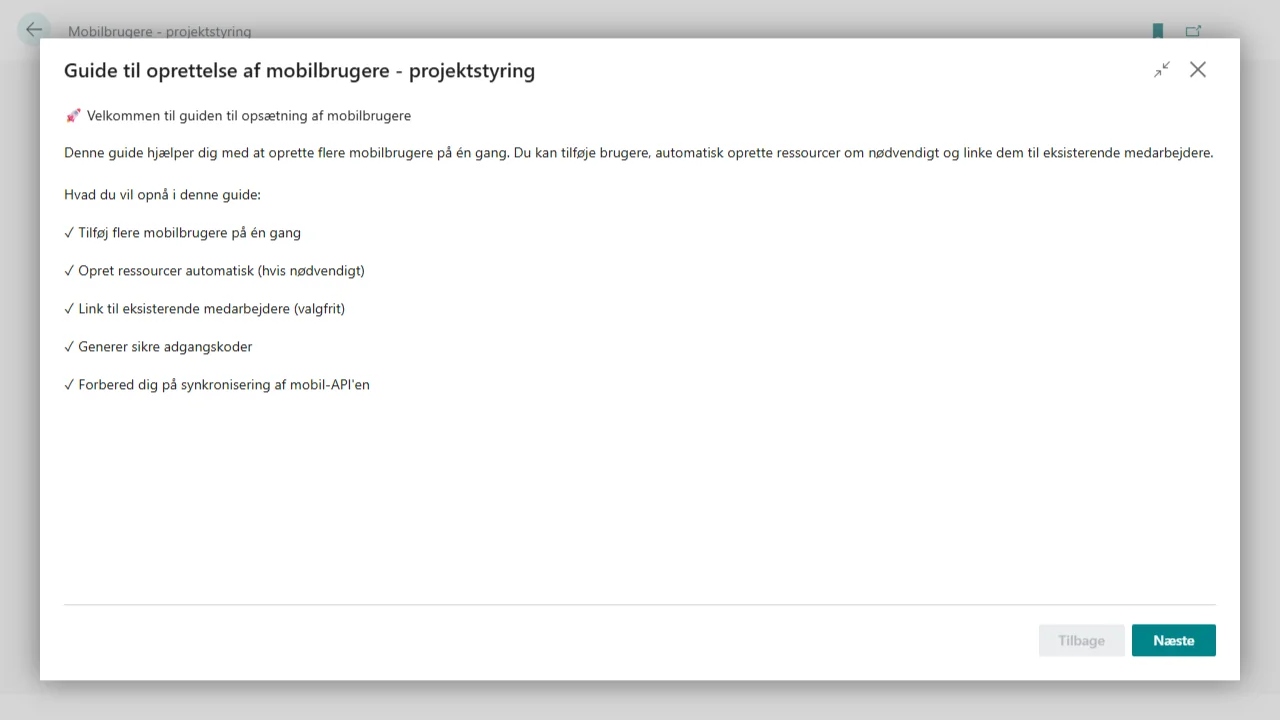
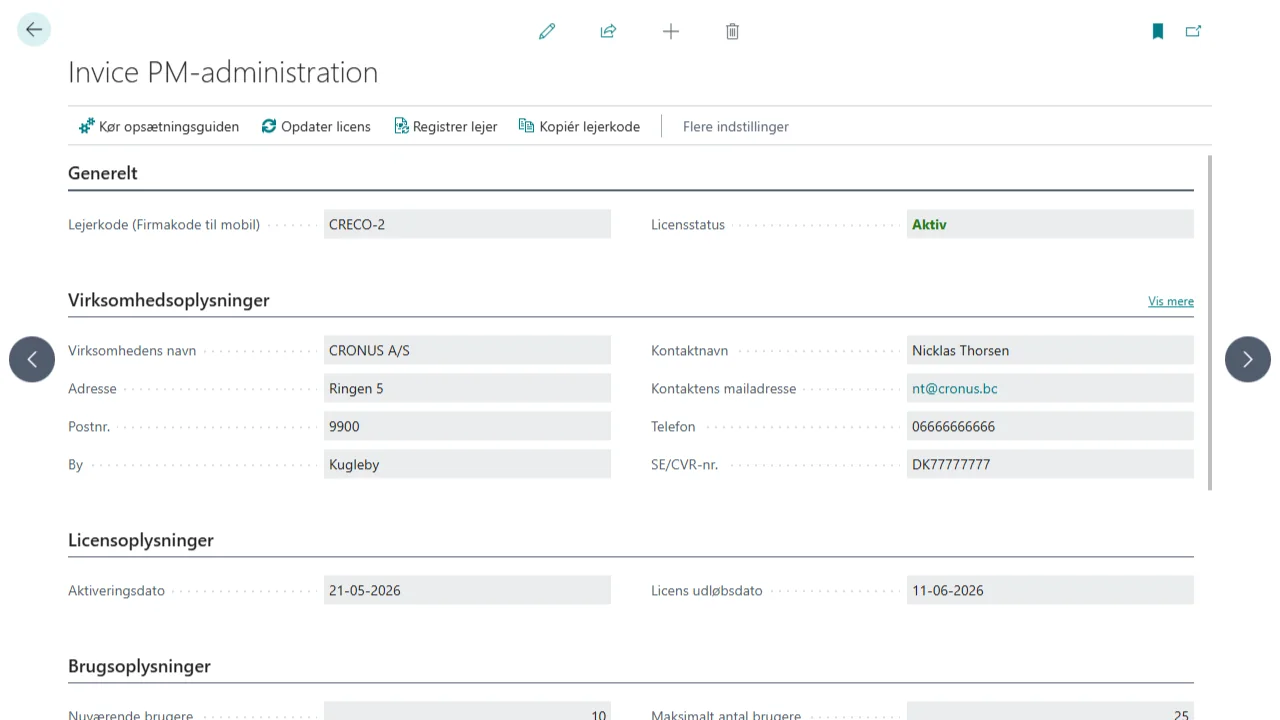
Installs from AppSource and is ready in under 15 minutes. No data conversion: the app uses your existing projects and resources and BC's standard timesheet approval.

  • APIs for the mobile app — REST endpoints the app talks to
  • User administration directly in Business Central
  • Project access — decide which projects each employee can see
  • Time types — set up your own types of work
  • Break types — breaks are recorded with a type
  • Documents — photos and PDFs are attached to the project automatically
Setting up Invice Project Management in Business Central
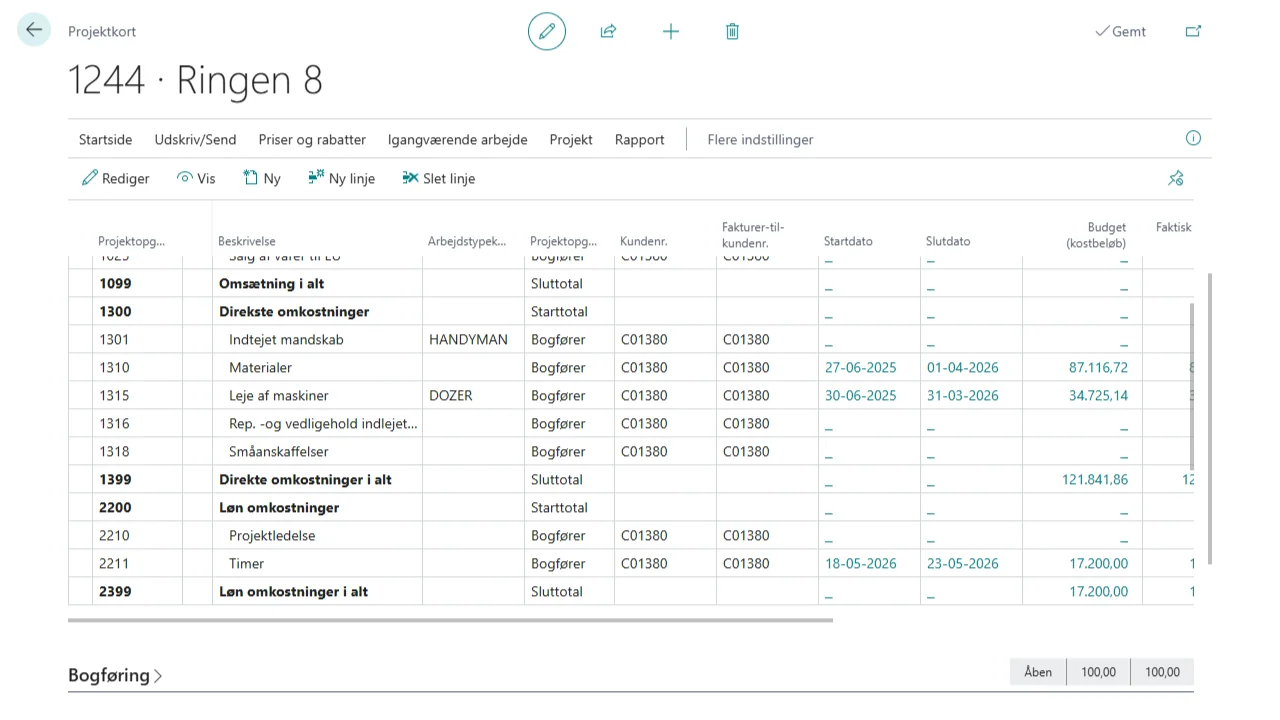
Project card with Invice fields in Business Central

Built into the project card

The app adds fields for mobile access, time types and documents to the standard project card. Project managers keep working on the page they already know.

Book a demo
Mobile App — iOS & Android

Made for people in the field

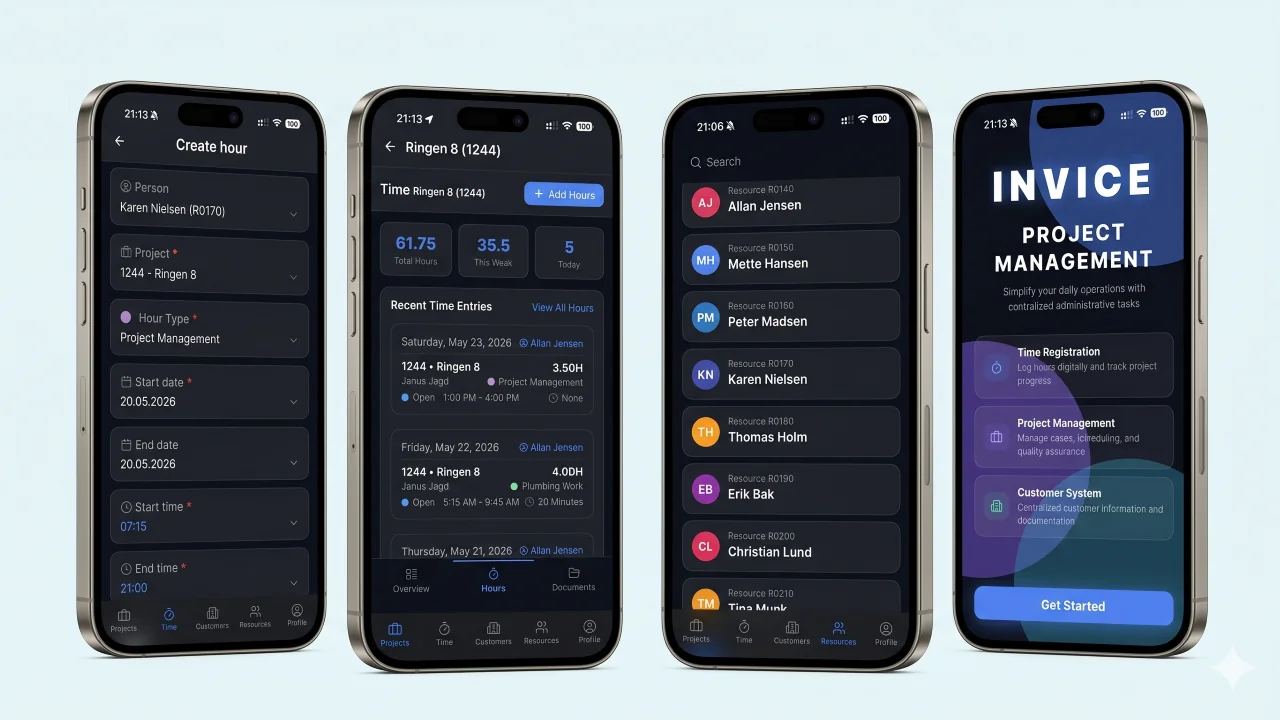
Native apps for iOS and Android. Quick to use, even with work gloves on, and entries are saved locally when there is no signal.

Invice Project Management on iPhone — 4 screenshots

Smart time tracking

A stopwatch that runs in the background, or manual entry afterwards.

Project overview

Only your own projects. Search and filter by status.

Break handling

Breaks are recorded with a type (lunch, meeting) and deducted automatically.

Documentation

Take photos and attach PDFs directly to the project.

Security

Sign in with Azure AD, Face ID or Touch ID. Encrypted connection, GDPR.

User access

Who sees what is controlled centrally from Business Central.

What it looks like

From user administration in Business Central to time tracking in the field.

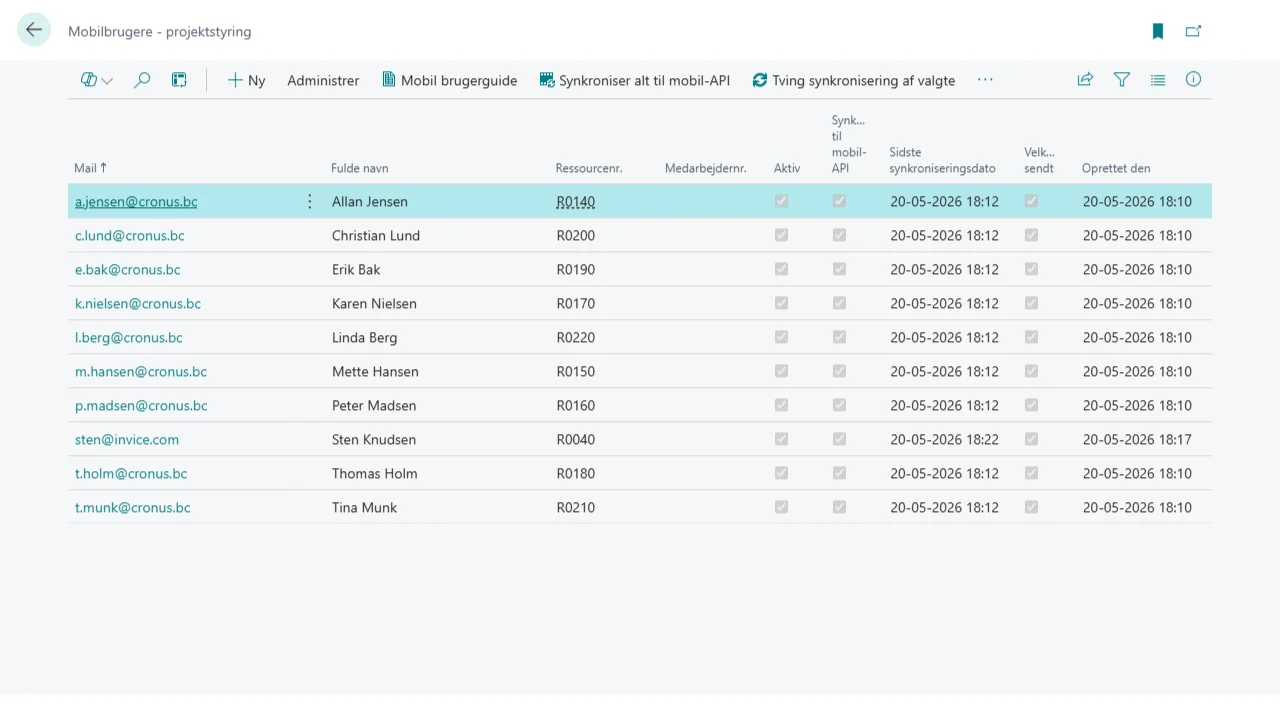
Mobile user list in Business Central
User administration (Danish interface)
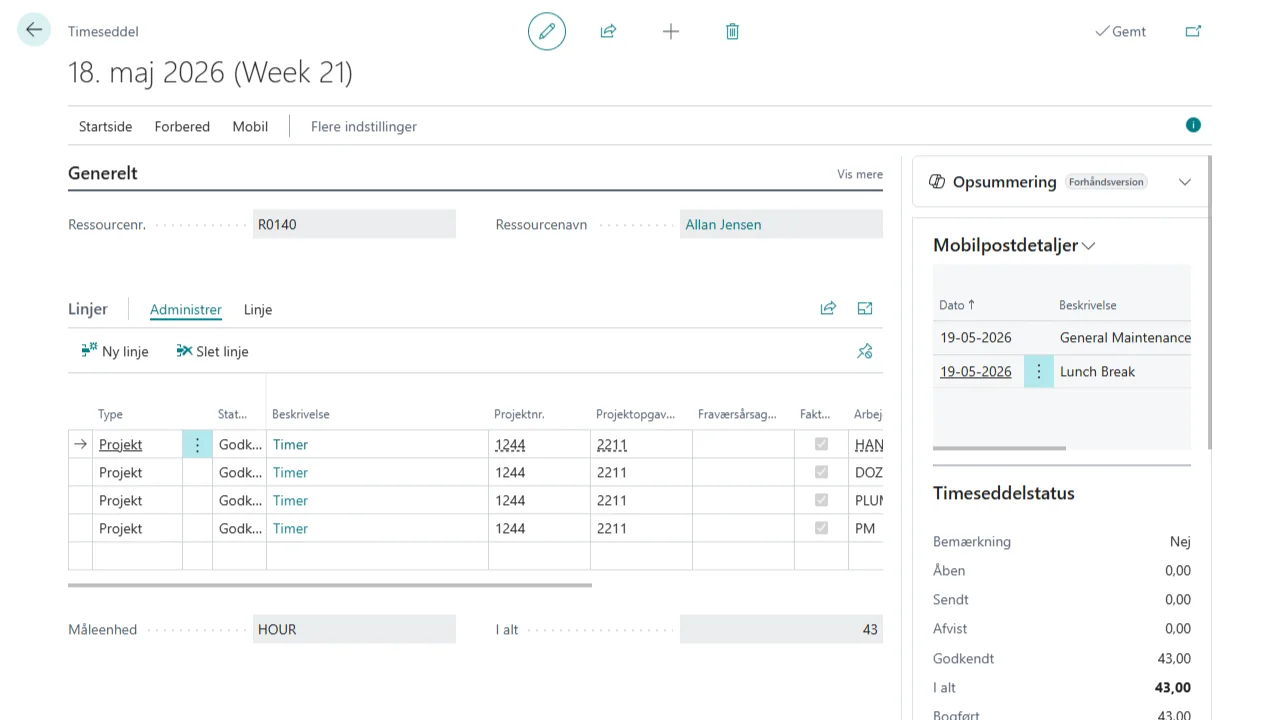
Timesheet data synced from the mobile app
Timesheet data (Danish interface)
Timesheet and time type setup
Timesheet setup (Danish interface)

Who uses it

Anyone with employees who record time out at customers or on site.

Construction & civil engineeringConsultanciesService & maintenanceInsurance & claims handlingAV installationInstallation & technical services

Tell us what your Business Central needs to do.

Book half an hour straight in the calendar, or write and one of us gets back to you the same working day. You leave the conversation with a concrete assessment of what your task requires.